Free Printable Grid Tracker: One Page, Endless Ways to Use It
Free printable insert available in A4, A5, and Personal sizes.
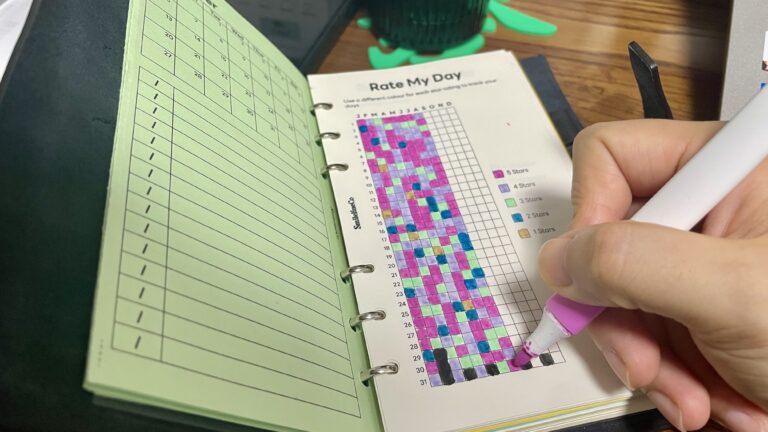
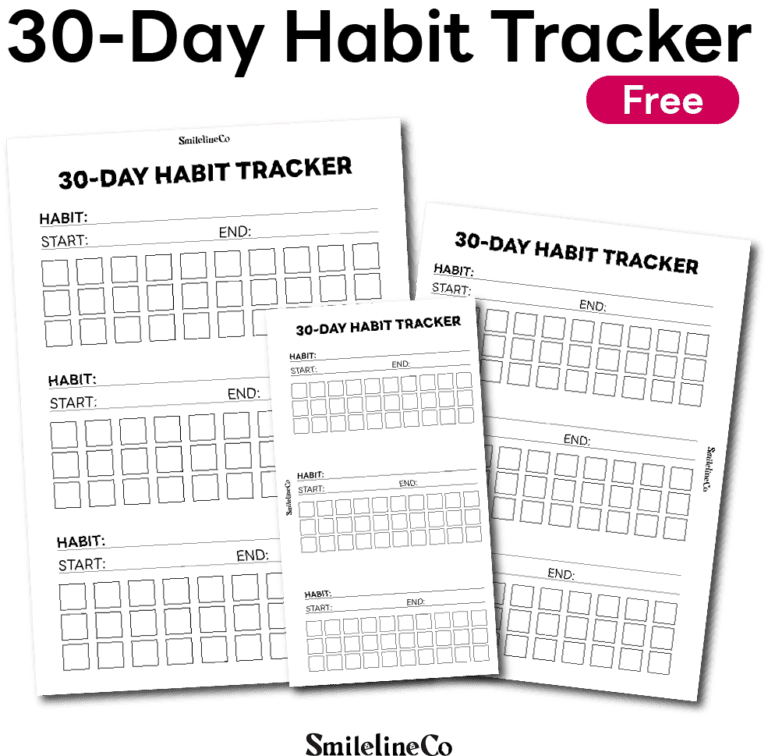
This free printable grid tracker gives you seven blocks and a numbered 1–31 grid on a single page. You decide what each block tracks. It’s built for the person who wants simple systems for a busy life, not impressive ones they abandon by February.
There’s a particular kind of tired that comes from starting over. New year, new habit app, new color-coded system you swore would be different this time. By week three, it’s just another red notification you swipe away without opening.
Why Most Tracking Apps Fail Busy People
Most tracking apps are designed to keep you in the app: streaks, badges, push notifications reminding you that you haven’t logged your water in six hours. That isn’t tracking, it’s another job. If you’re a busy professional, a student buried in deadlines, or a freelancer juggling five things before lunch, you don’t need an app that guilt-trips you for missing a day.
What works is low-effort tracking: a page you glance at, fill in for ten seconds, and close. No onboarding, no streak anxiety, just visual progress you can see with your own eyes. A printable habit tracker with a flexible grid does exactly that. It adapts to whatever you’re trying to keep tabs on, instead of forcing you into someone else’s idea of what matters.
Why I Designed This Free Printable Grid Tracker
Every planner system I build starts from one question: what’s the one page that could replace ten different trackers?
Most habit trackers only track habits. Most inventory sheets only track inventory. Most reading logs only track books. If you want to track five areas of your life, you end up hunting down five printables, and none of them match your planner’s style.
So I designed one flexible page: a blank, numbered 1–31 grid with a title line above each block. There are no labels and no assumptions, just clean, repeatable structure.
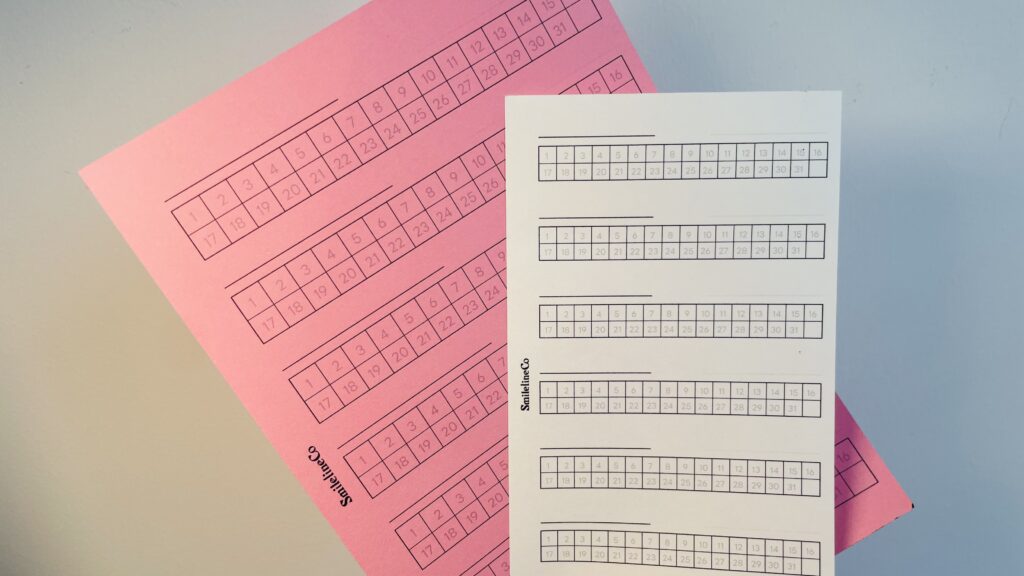
Seven blocks per page means seven separate things you can track at once. Each has its own title line and a full set of days (1–31) split across two rows. It’s simple to read, simple to fill in, and flexible enough to become whatever your month calls for.
Meet the Universal Grid Tracker
I call it the Universal Grid Tracker, because “universal” is the point. It isn’t a habit tracker, a reading log, or an inventory sheet. It’s all of them, depending on what you write on the title line.
If you’ve seen this style called something else, the Flex Grid Tracker and the Any-Day Number Grid describe the same idea: a numbered grid with no fixed purpose, built for you to define.
8 Ways to Use a Grid Tracker
Each block is just a title line plus the numbers 1–31, so the same page works for almost any month-based tracking need.
1. Habit tracking
Title each block with a habit (“Drink Water,” “10-Min Walk,” “No Sugar”) and mark off each day you complete it.
2. Reading tracking
Log daily reading minutes or pages, or dedicate one block per book you’re reading that month.
3. Goal tracking
Break a bigger goal into seven sub-goals and check off daily progress on each.
4. Inventory tracking
Track stock counts, reorder points, or supply levels for up to seven products or categories.
5. Medication and supplement tracking
Use one block per medication or supplement and check it off by day.
6. Savings challenges
Match a savings amount to each day number instead of a habit. It’s a simple way to run a savings challenge printable without buying a separate one.
7. Workout and fitness logs
Track a different exercise or metric in each block.
8. Business and content tracking
Track posts published, sales made, or outreach sent, across up to seven channels or products.
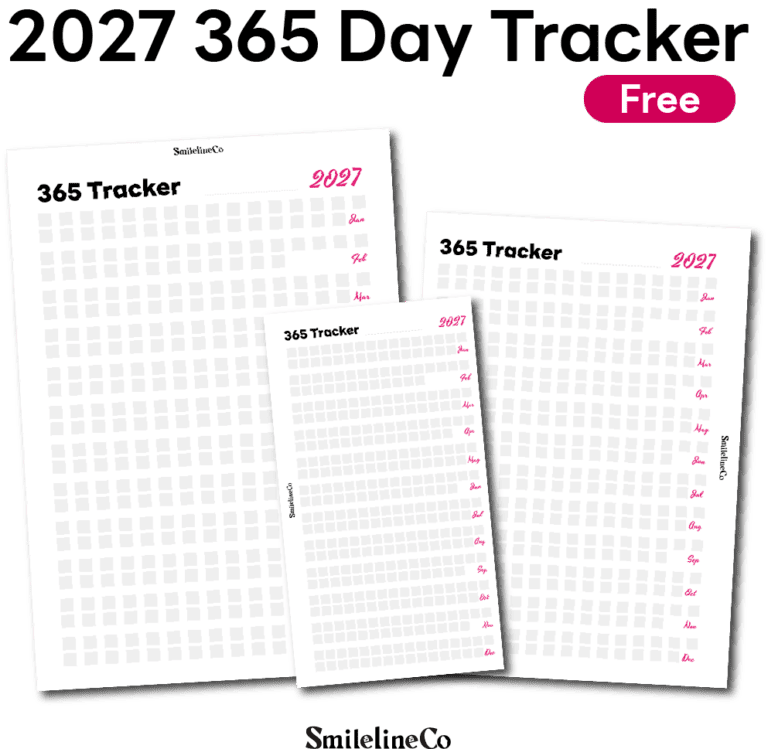
Because the grid is undated (just numbered 1–31), it works for any month in any year. Print a fresh copy whenever you need one.
free_画板-1-16-722x1024.jpg)
free_画板-1-15-722x1024.jpg)
Download the Free Printable Grid Tracker (A4, A5, Personal)
This printable is completely free. Pick the size that matches your planner and download the PDF:
- Download A4 — Universal Grid Tracker (Free PDF)
- Download A5 — Universal Grid Tracker (Free PDF)
- Download Personal — Universal Grid Tracker (Free PDF)
Printing Tips for Your Grid Tracker
- Each size is its own PDF, designed at exact dimensions. Please don’t scale one size up or down, because spacing and margins are calibrated per size.
- Print on paper pre-cut to size rather than trimming afterward. This keeps margins and hole punches consistent, especially for A5 and Personal.
- A5 and Personal include a side margin for hole punching, so they drop straight into a standard A5 or Personal ring binder or discbound system. A4 is a standalone or binder-ready sheet without punch margins.
- Print at 100% scale (no “fit to page”) to preserve the intended sizing.
From Download to Binder: My Printing Workflow
Here’s how I go from PDF to finished page:
- Print at actual size. I use an Epson printer and always choose “Actual Size” (not “Fit to Page”) so the trim lines line up.
- Trim to size. I cut to the exact A5 or Personal dimensions with a craft knife, a stainless steel ruler, and a self-healing cutting mat. This gives much cleaner edges than scissors, especially on grid lines.
- Punch holes. Use a punch that matches your binder’s ring system. 6-ring Personal/Filofax punches differ from standard A5 disc or ring binders, so double-check before buying.
- Load it into your binder and start logging.
Tools That Make Printing Easier
Disclosure: some links below are affiliate links. If you buy through them, I may earn a small commission at no extra cost to you.
- Craft knife / precision cutter
👉Hobby Knife Set – 1pc
👉Finger Knife Set
👉Hobby Knife Set – 12pc - Stainless steel ruler for straight-edge cutting
👉Metal Straight Edge Ruler, 4 pcs, 6″, 8″, 12″, 14″
👉Ruler Metal Straight Edge Stainless Steel Ruler 16 Inch Ruler Set
👉Metal Straight Edge Ruler, 6 pcs, 6″, 8″, 10″, 12″, 14″, 16″ - Self-healing cutting mat
👉Self Healing Sewing Mat
👉Self Healing Cutting Mat, A3 Rotary Cutting Sewing
👉Self-Healing Cutting Mat A4, 220x300mm - Epson home printer — placeholder
👉Epson Expression Home XP-5200 Wireless All-in-One
👉Epson EcoTank ET-2800 Wireless Color All-in-One
👉Epson Expression Home XP-5100 Wireless Color Photo Printer - 6-ring / A5 disc hole punch
👉Paper Puncher for A5 Size Six Ring Binder Planners
👉6-Hole Paper Puncher, A5 A6 A7 6 Ring Punch with Positioning Mark
👉Metal Adjustable 6 Hole Punch for A5 A6 A7 Binders/Planners - A5 or Personal-size ring binder
👉A5 Binder Refillable Planner
👉A5 Rings Planner
👉A6 Binder
👉A6 Vintage Leather Journal
Want the full list in one place? See our Printing & Planner Supplies page.
Looking for More Planner Systems Like This?
If this flexible format is useful, you’ll like the rest of the SmilelineCo library. I design complete Life Systems, bundled printables built around a single goal rather than a single page:
- Sleep & Dream Tracker Bundle
- Savings Challenge Printable Bundle
- Family Parenting Planner Bundle
- Tracker Printable Bundle | 17-in-1 Life Tracker Insert Set
- Seasonal Bucket List Printable Bundle
FAQ
Is this free printable grid tracker really free?
Yes. It’s free to download in all three sizes (A4, A5, and Personal), with no account or purchase required.
Can I track more than one thing on the same page?
Yes. Each page holds seven separate blocks, so you can title each one differently and track up to seven habits, items, or goals side by side.
Which size should I choose?
A4 works as a standalone sheet or in an A4 binder. A5 and Personal are sized for ring or discbound planners and include hole-punch margins.
Can I print it every month?
Yes. The grid isn’t dated, so you can reprint and reuse it for any month.
What’s the best way to print it?
Print at 100% scale (“Actual Size”) on paper pre-cut to size, and use the matching PDF for your planner size.
Can I share or sell this printable?
All SmilelineCo printables are for personal use only. Please don’t redistribute, resell, or share the files.
Looking for more free printables? Browse the [Free Printables Library →] for every free download we offer, new pages added regularly.
Want a full planning system instead of a standalone calendar? The [Complete Systems →] collection bundles pages like this one into something bigger, designed to work together across your whole routine — and you can browse everything directly in our [Shop →].
Setting up your own printing station? Our [Printing & Planner Supplies →] page has the exact printer, paper, and tools we use to go from PDF to finished page.
What sets SmilelineCo printables apart?
Most printables are either pretty or practical , rarely both. I try to close that gap. Every insert starts as a real system I use myself to run my own life and business, then gets refined until it’s something I’d actually want to look at every day. I’m a designer first, so whether a printable is free or paid, it’s built to print sharp and clean on a home printer, not just look good on a screen. And I make everything myself , no outsourced templates, no shortcuts. This is a one-person shop, and every page carries that.
Is this printable free to download?
Yes ! This one is 100% free for personal use. I share free printables because I know what it feels like to want a little more structure in your day without having to pay for it first. If a simple page like this makes your planner (or your year) feel a little more together, that’s exactly what it’s for.
All printables are for personal use only.
Yes. This printable, along with the graphics, layouts, and designs on SmilelineCo, is for personal use only. Please don’t edit the files, resell them, or re-upload them anywhere else , if you’d like to share it with someone, just send them the link to this post instead. If you’d like to use it for a classroom, workshop, or small group setting, that’s totally fine too , just keep the files unedited and don’t sell or re-host them, and a link back here is always appreciated.
What’s the best way to print these printables?
For best results, I recommend printing on standard A4 paper using your printer’s normal settings. These are designed as high-resolution PDFs, so they’ll stay crisp and clear on any printer , inkjet or laser. Simply download the PDF, open it, and print. If your printable requires trimming or folding, I’ll always include those specifics in the blog post itself, since exact sizes can vary from product to product.
If you’re printing on cardstock or heavier paper, just double-check your printer settings can handle the paper weight , most home printers are fine up to 120–160gsm.
As always, if you make this your own — different colors, added stickers, whatever works for you — I’d love to see it. Happy planning!
Other statements
Affiliate Disclosure Some links in this post are affiliate links, meaning I may earn a small commission if you make a purchase through them — at no extra cost to you. I only link to products I actually use and recommend myself. This helps keep the free printables coming, so thank you for supporting SmilelineCo this way.
Blog Content & Copyright All written content, photos, and graphics on this blog (SmilelineCo) are original and copyrighted. Please don’t copy, reproduce, or republish blog text or images elsewhere without written permission. If you’d like to reference or share something from a post, a link back to the original post is always welcome and appreciated.
General Disclaimer The tips, tools, and printables shared here are based on my own personal experience and are intended as general guidance only , not professional advice (financial, medical, legal, or otherwise). Please use your own judgment and consult a qualified professional where appropriate.